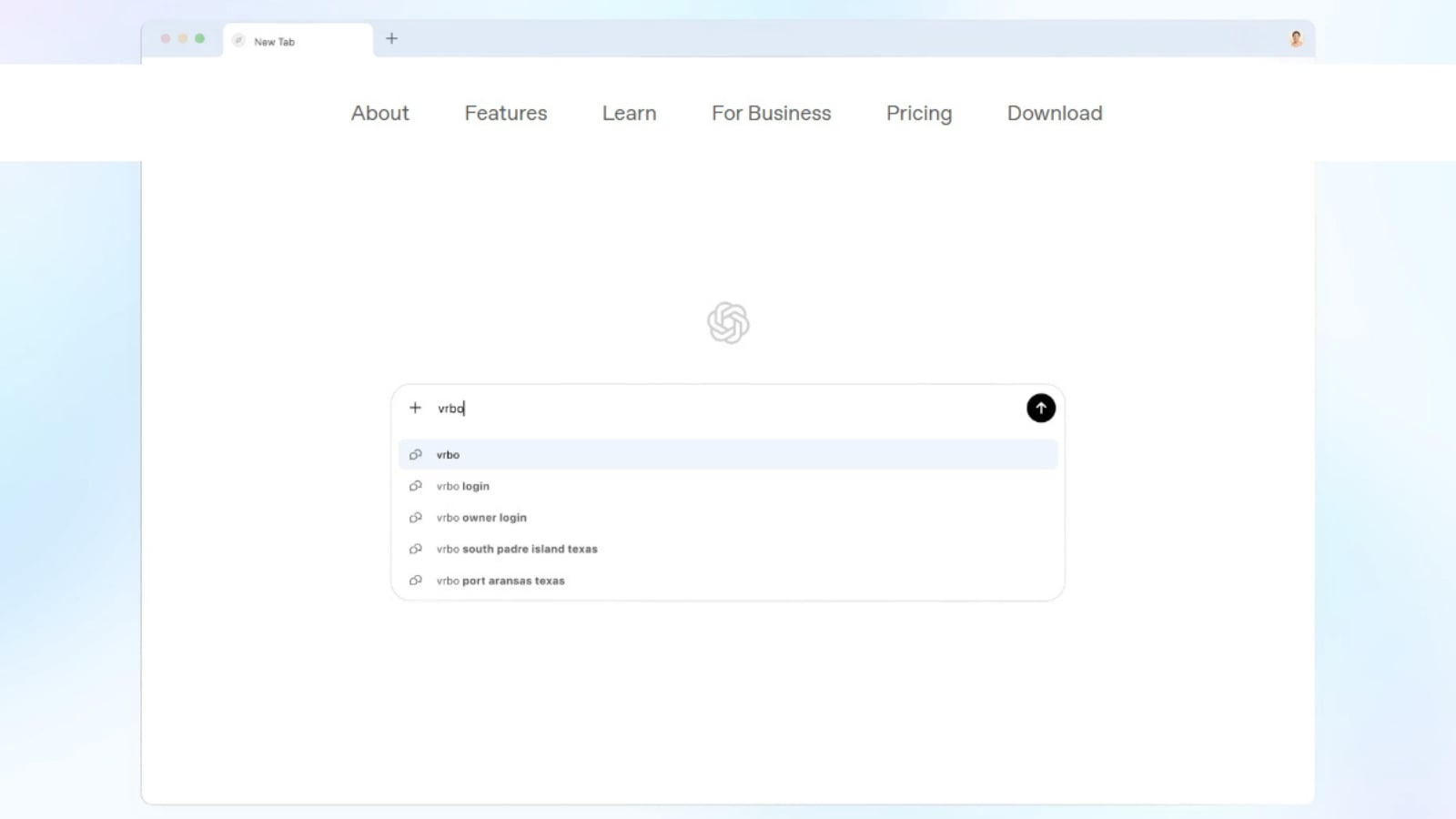
OpenAI’s new AI-powered browser – ChatGPT Atlas is here. Designed around conversational AI, the Perplexity Comet rival uses ChatGPT for navigating and interacting with the internet.
Unlike traditional web browsers like Chrome, Edge and Firefox, which let you browse the web via search boxes and tabs, ChatGPT Atlas puts the AI chatbot at its centre stage, allowing users to ask questions, browse sites on their behalf and reference bookmarks in natural language

Currently available for macOS users, ChatGPT Atlas can be downloaded for free, but OpenAI has restricted Agent Mode, the feature that lets ChatGPT take actions inside the browser to do things like filling out forms, adding tasks, or ordering groceries, is currently limited to Pro and Plus subscribers. If you are interested in trying out ChatGPT Atlas, here’s how to get it on your macOS-powered desktop or laptop for free.
 You can open the sidebar to talk and ask ChatGPT questions about the page you are viewing. (Image Source: OpenAI)
How to download and set up ChatGPT Atlas for free?
1. Open your favourite browser, type in “chatgpt.com/atlas” in the address bar and hit the enter button.
2. On the page that appears, press the “Download for macOS” button to get the installer.
3. Since you are downloading the app from OpenAI’s website and not the Mac App Store, move the installer to the Applications folder.
4. When done, launch it and log in to your ChatGPT account and import data like passwords and history from the browser if you want to.
Story continues below this ad
5. ChatGPT Atlas will now ask if you want to turn on browser memories, which will allow the AI chatbot to recall past interactions, previously viewed documents and offer personalised suggestions.
If you set ChatGPT Atlas as your default browser, OpenAI is also offering free boosted limits for seven days.
With ChatGPT Atlas, OpenAI is entering the AI browser race. Tech giants like Google and Chrome have been steadily integrating their very own AI chatbots into Edge and Chrome, respectively, while Mozilla has added Perplexity as a search engine to Firefox. A few weeks ago, Perplexity also made Comet, its agentic AI-powered browser, free for all.
© IE Online Media Services Pvt Ltd